Use quotations, challans, returns, purchase bills and fast POS billing.
Step-by-step
- Sales documents
BillMitra24 has ten documents. In Sales: quotation, proforma invoice, delivery challan, sales return and credit note. They all work like the invoice screen.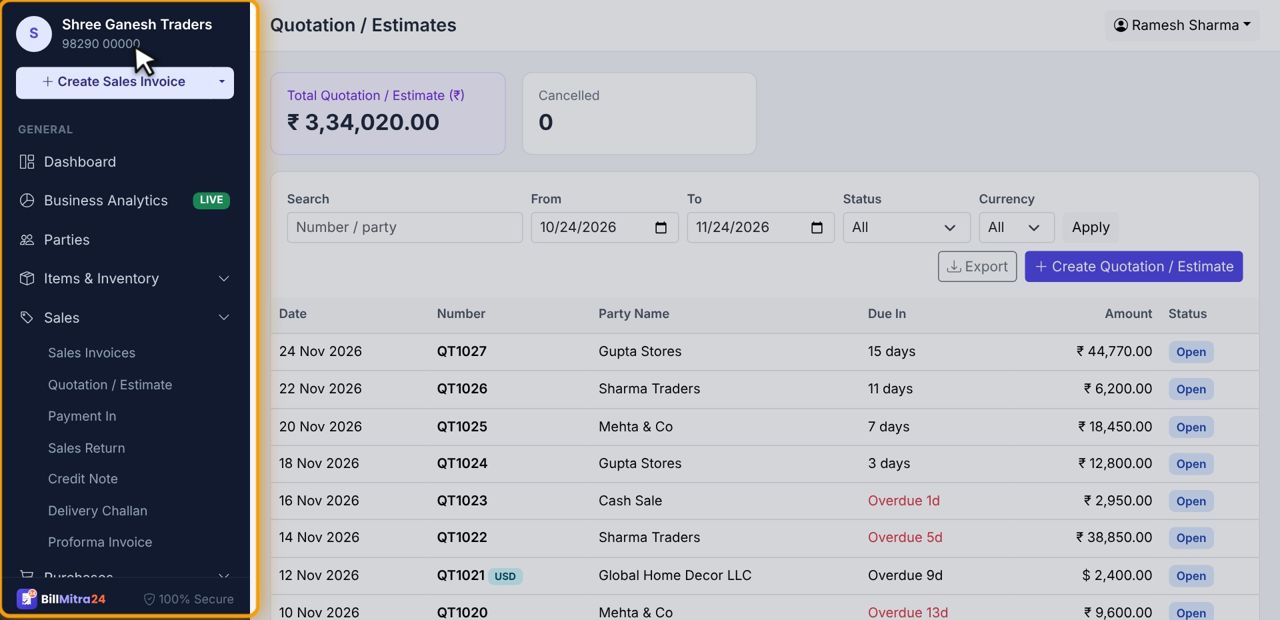
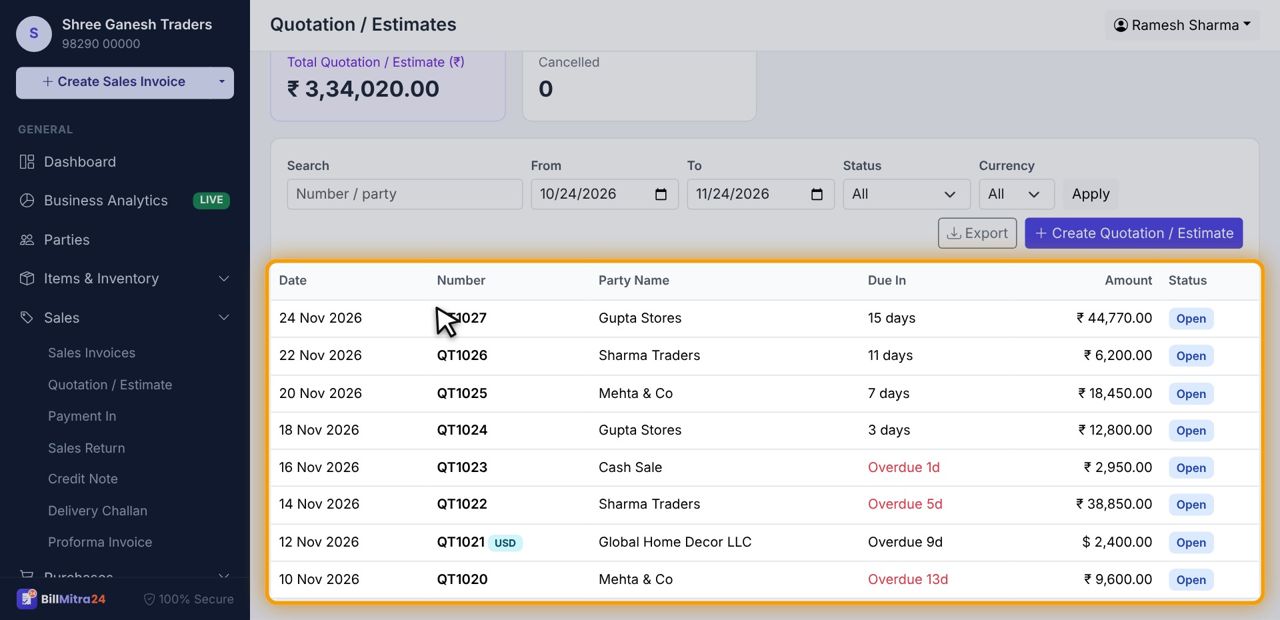
- Send a quotation to the customer. When they confirm, open it and click Convert to Invoice. All items are copied and the quotation is marked converted.
- Purchases
In Purchases record purchase invoices from suppliers, purchase returns, debit notes and purchase orders. Purchases increase stock and the amount you have to pay.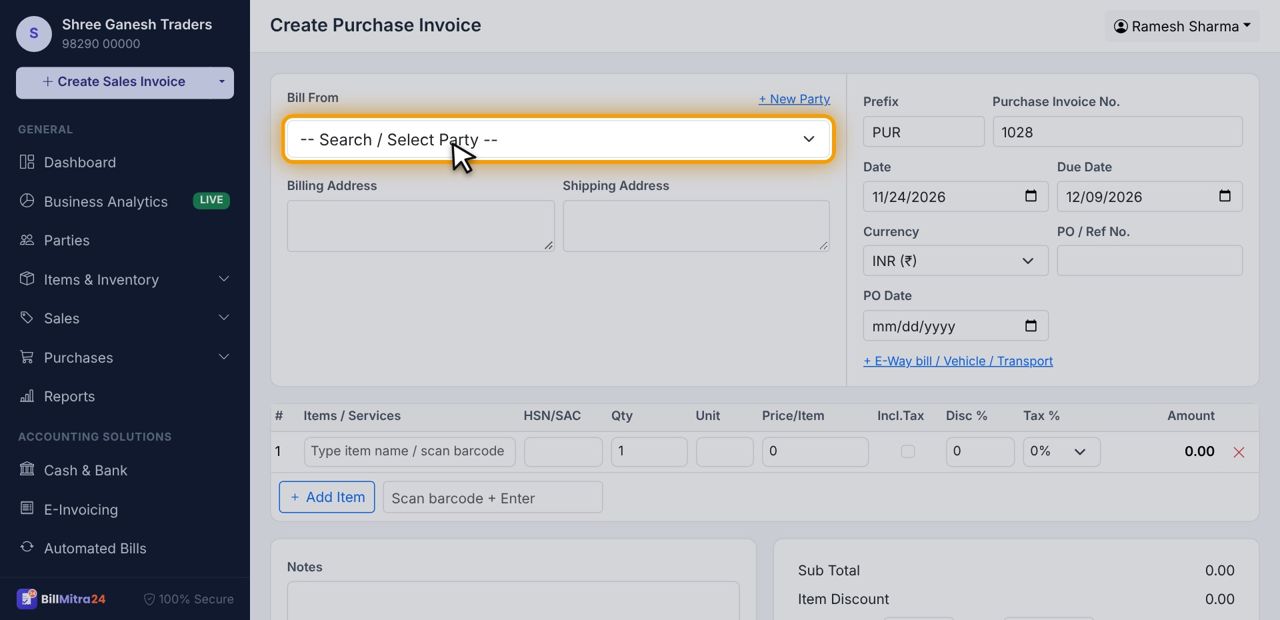
- POS billing
For a shop counter use POS Billing. Scan a barcode or tap an item to add it to the cart, enter the amount received and press F2 to save and print on a thermal printer.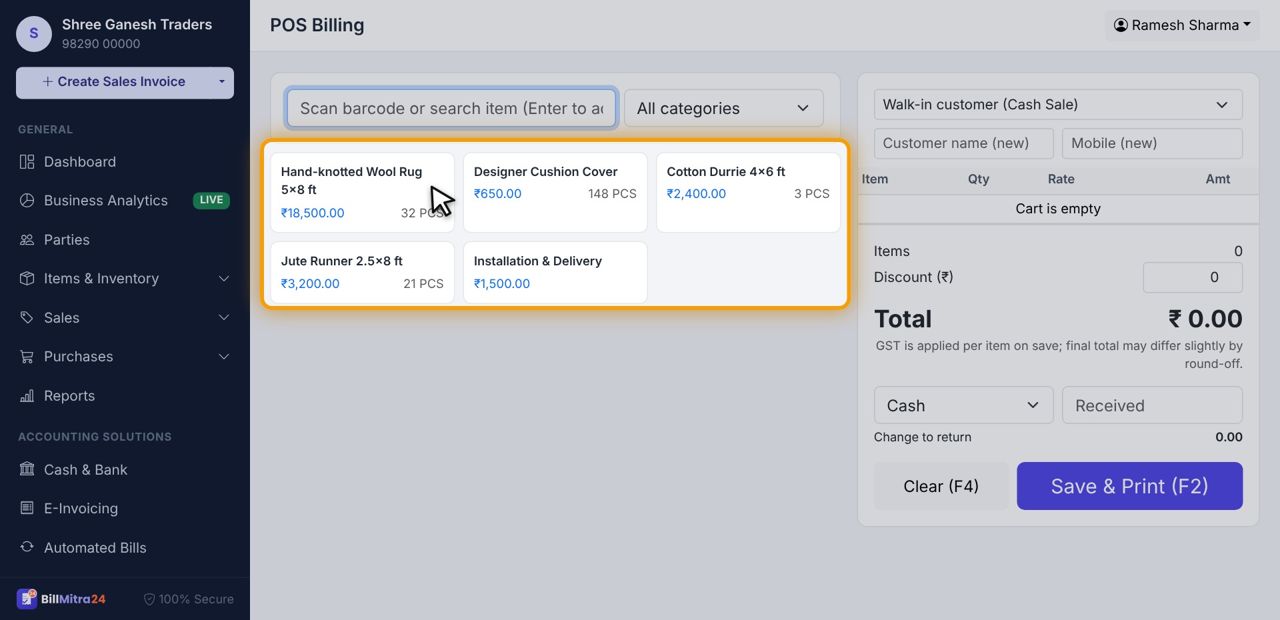
Tips
- Automated Bills create repeat invoices weekly, monthly or yearly.
- Online Store gives you a link where customers can place orders.