Create your account, log in and understand the dashboard and menu.
Step-by-step
- Open the website
Welcome to BillMitra24, the simple GST billing, inventory and accounting software for your business. In this video we will create an account, log in and take a tour of the dashboard.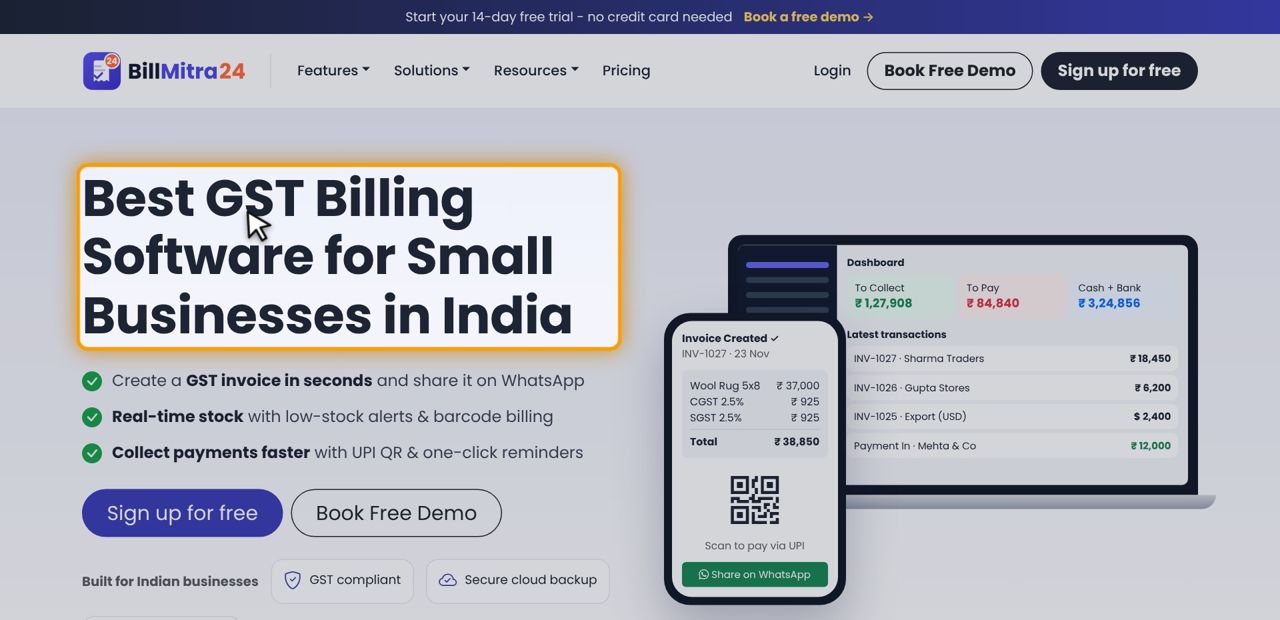
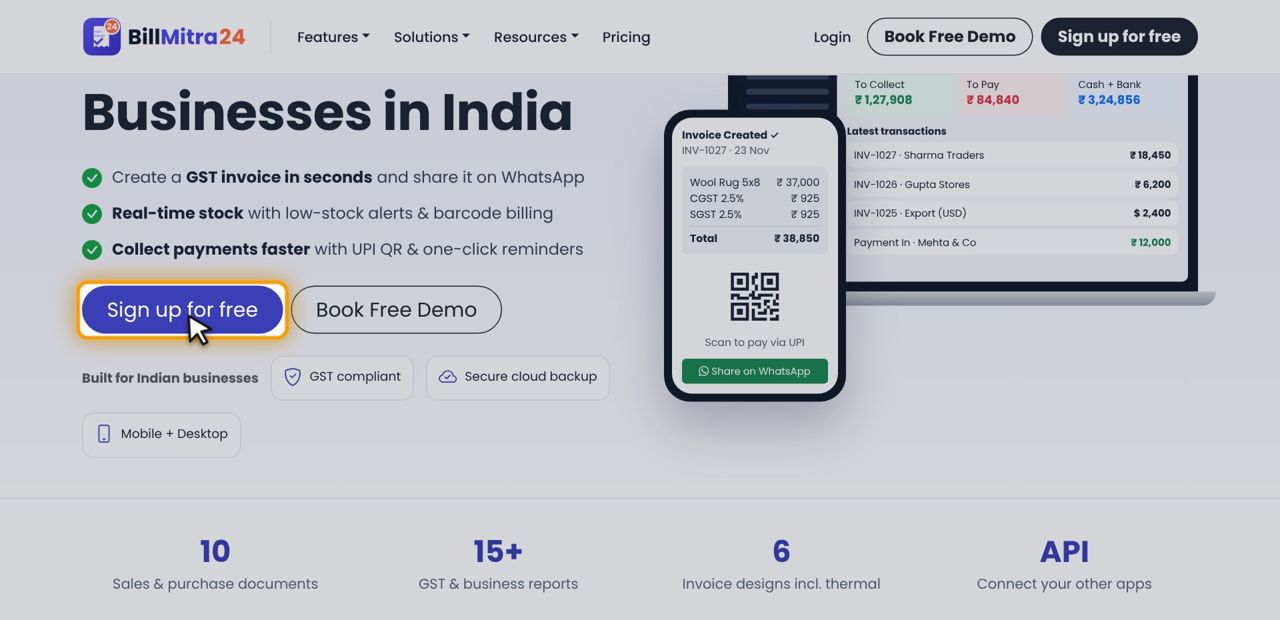
- On the website, click Sign up for free. You can also book a free demo, and our team will help you set up.
- Register your business
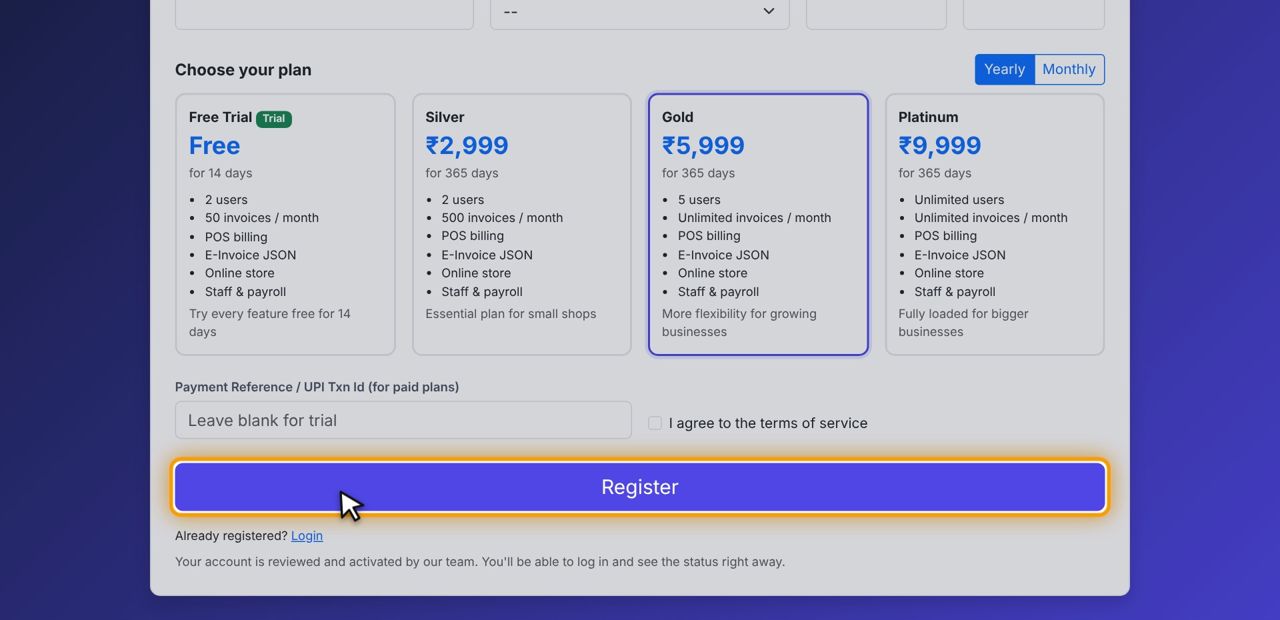
On the registration page, enter your business name, your name, mobile number and email.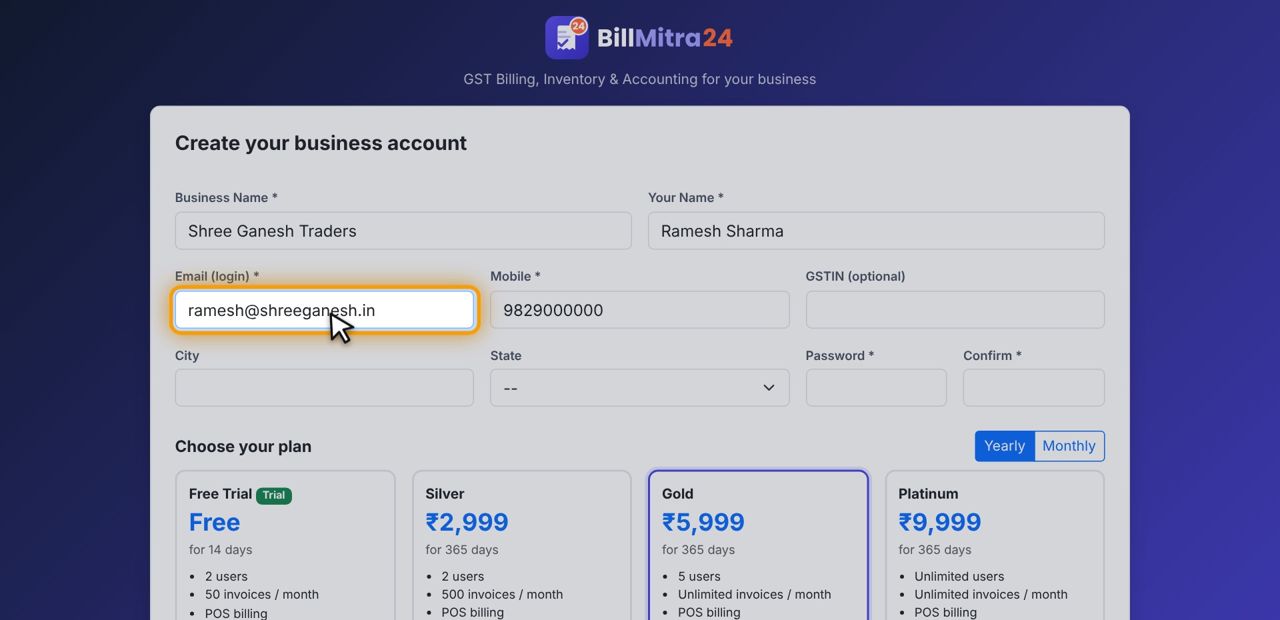
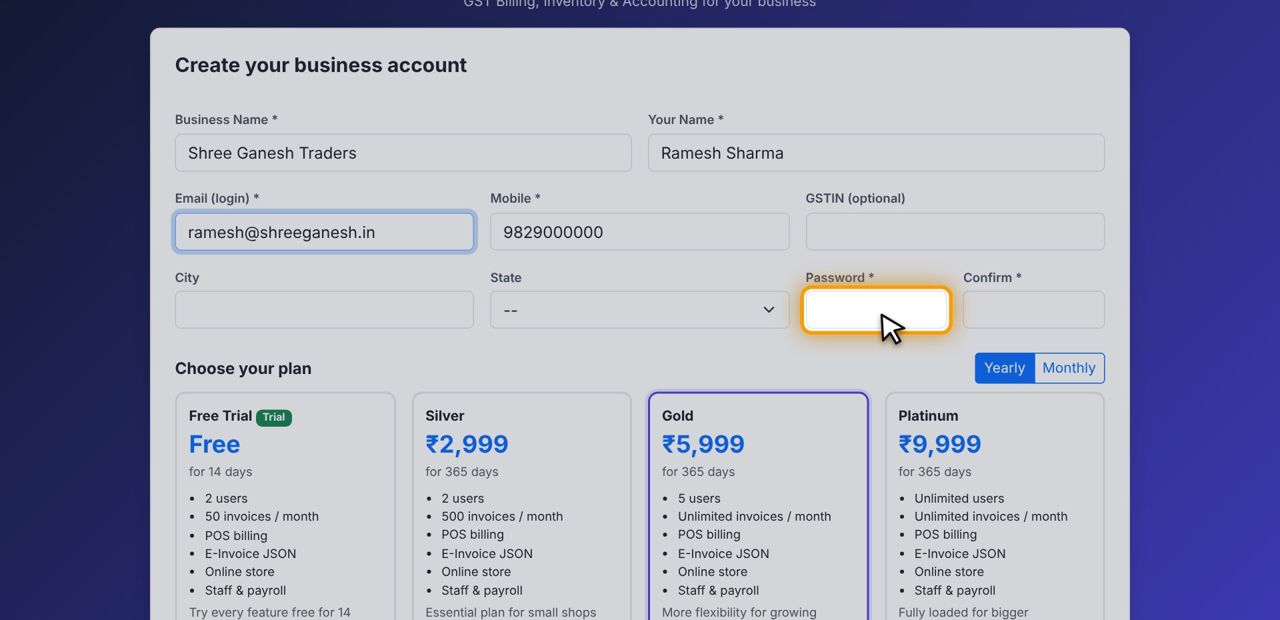
- Add your GSTIN and state if you have them, set a password, choose a plan with monthly or yearly billing, accept the terms and click Create account.
- Your account is activated by the administrator. If online payment is enabled, pay for your plan and the account is activated instantly. You also receive a welcome email.
- Log in
Now log in with your email and password. If you forget the password, click Forgot password and a reset link is sent to your email.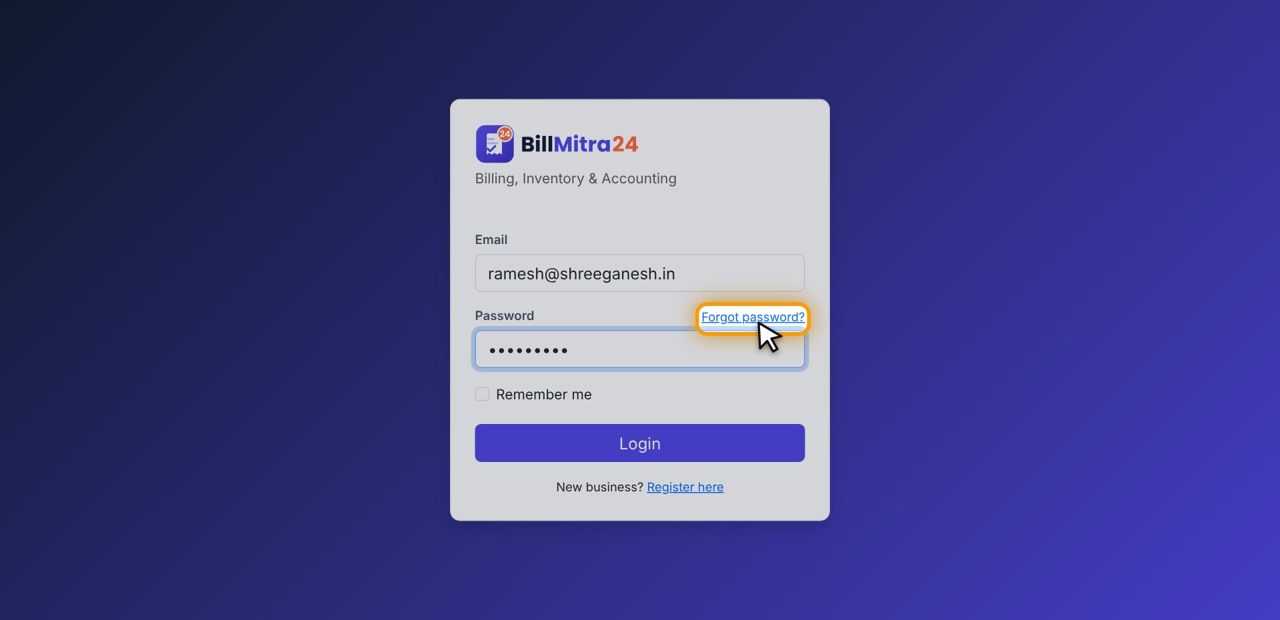
- Understand the dashboard
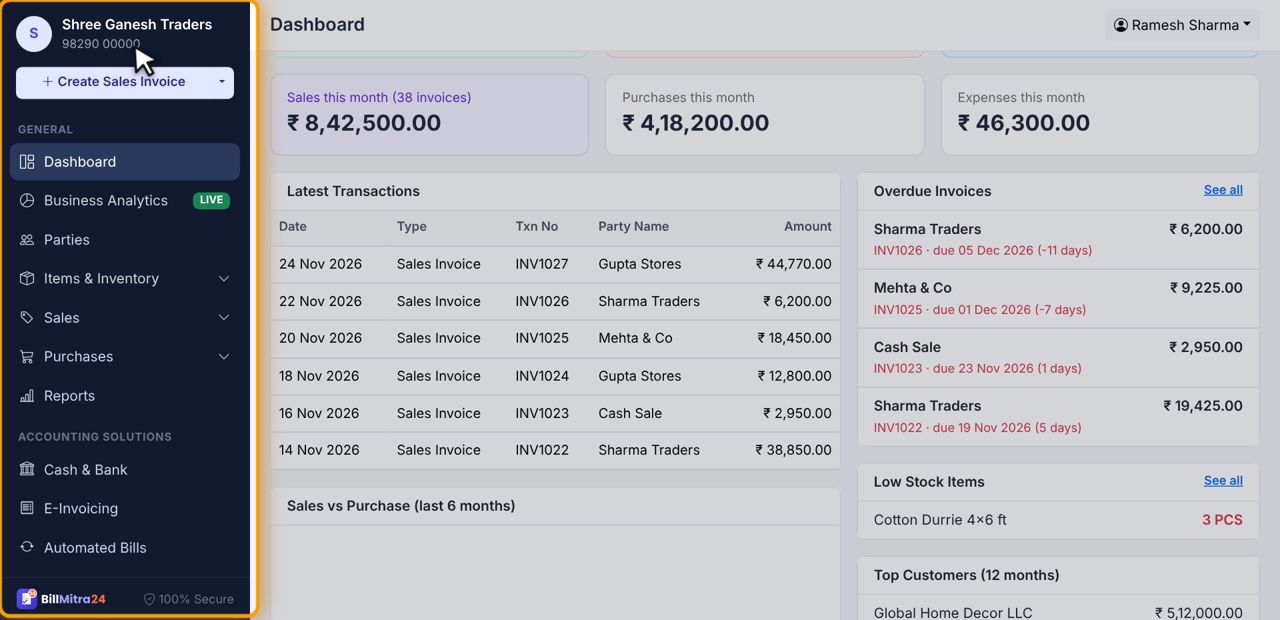
This is your dashboard. At the top you see how much money you have to collect, how much you have to pay, and your total cash plus bank balance.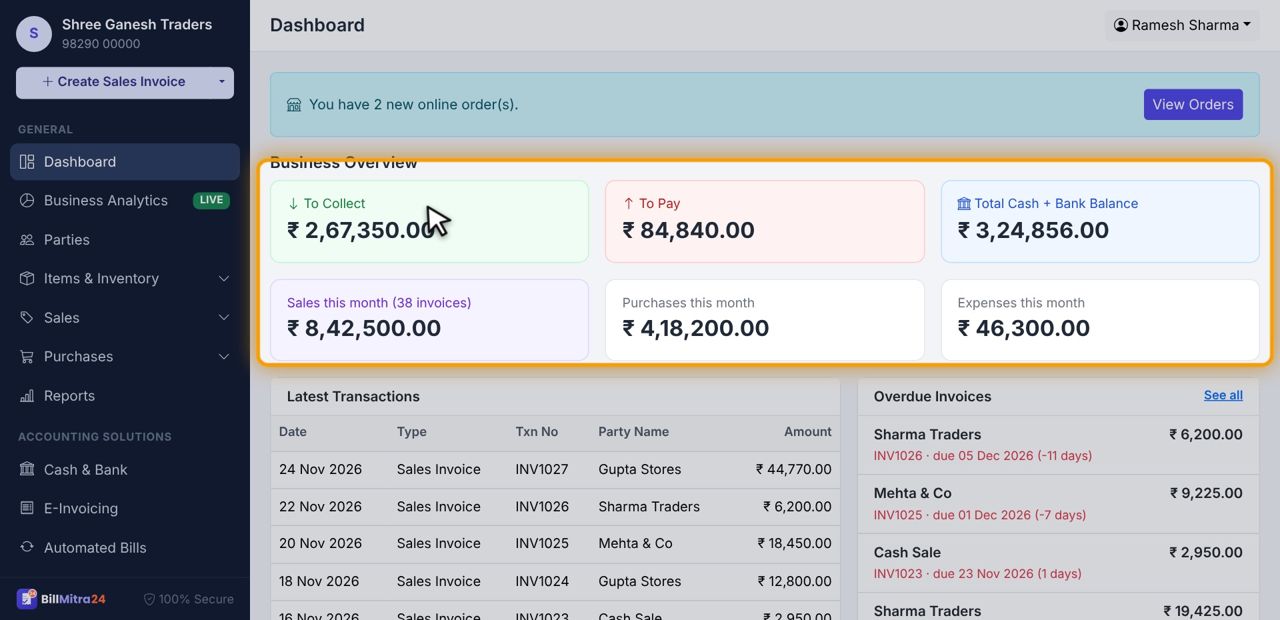
- Below are this month's sales, purchases and expenses, the latest transactions, and overdue invoices with the number of days they are late.
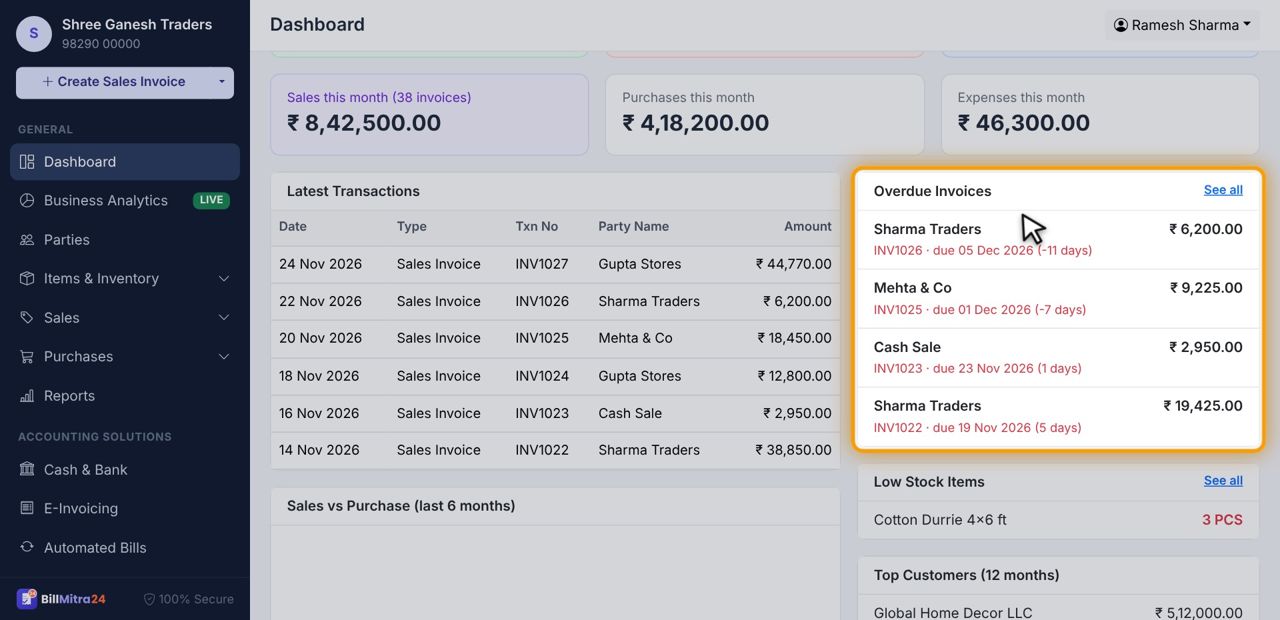
- The left menu has every module: Parties, Items, Sales, Purchases, Reports, Cash and Bank, E-invoicing, Expenses, POS billing and Staff. The button at the top creates a sales invoice from anywhere.
Tips
- BillMitra24 works on mobile, tablet and desktop. On a phone use the bottom bar and the + button.
- Install it like an app: open the site in Chrome and choose Install / Add to Home Screen.
- Each staff member should have their own login (Settings → Users).