Fill your business profile, choose an invoice design, set numbering and add users.
Step-by-step
- Business profile
Before billing, complete your business profile. Open Settings from the menu. In Business Profile fill the business name, GSTIN, address, city, state and pincode.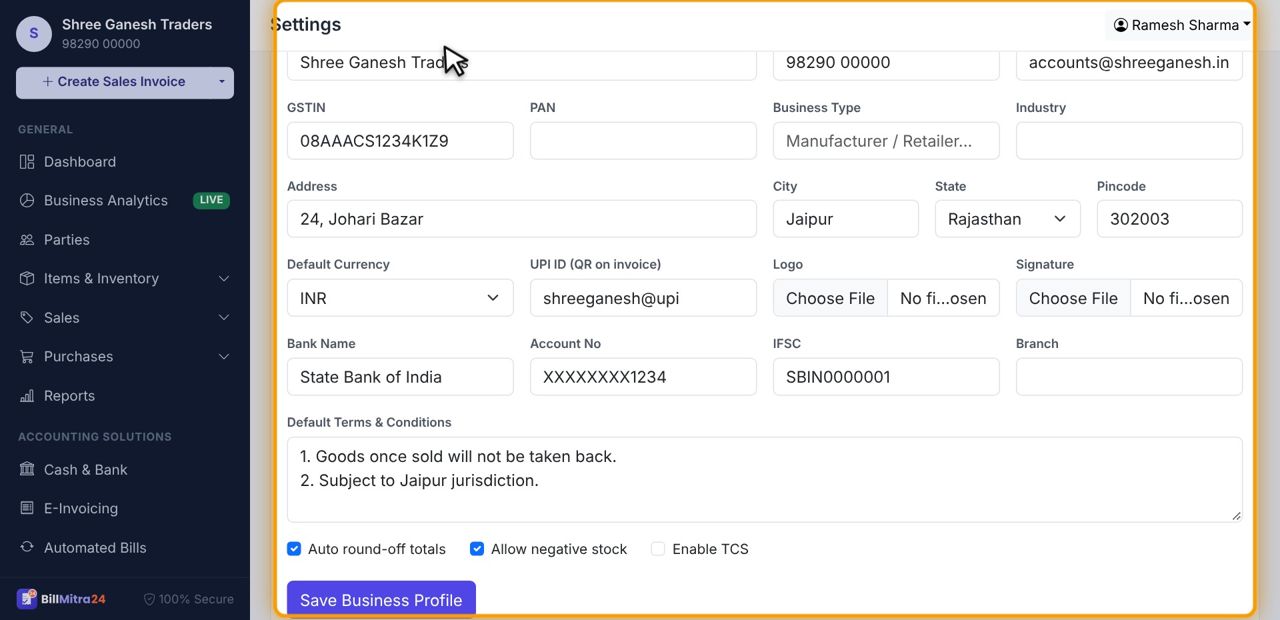
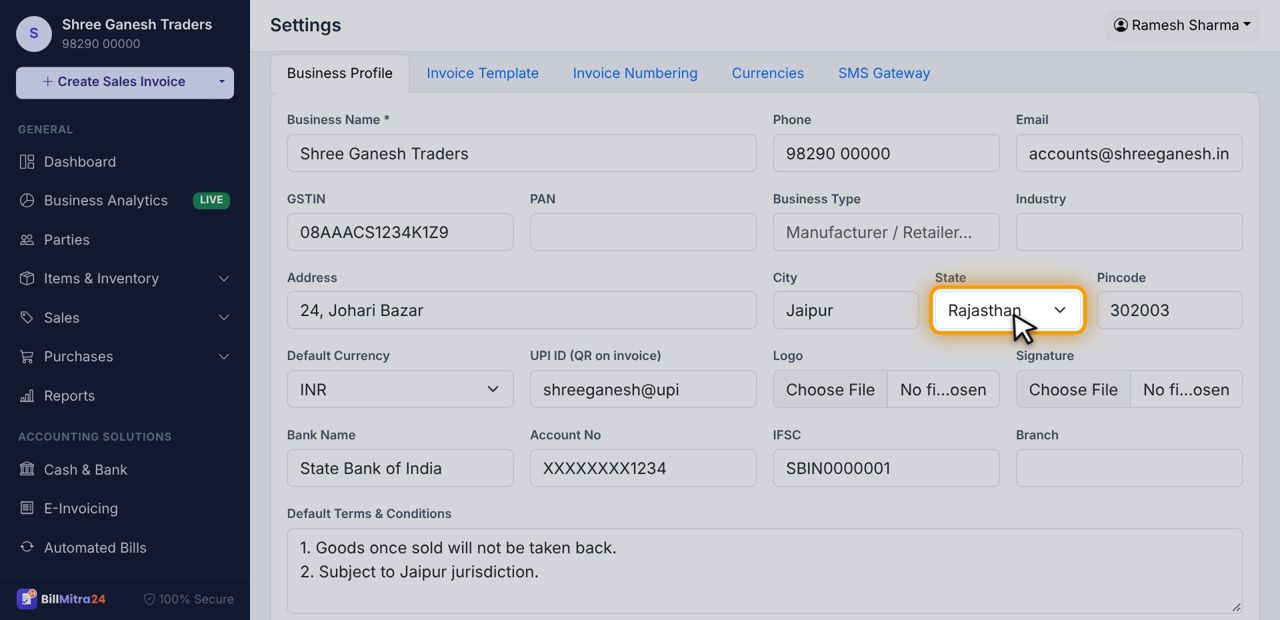
- Your state decides whether CGST and SGST or IGST is charged, so select it correctly.
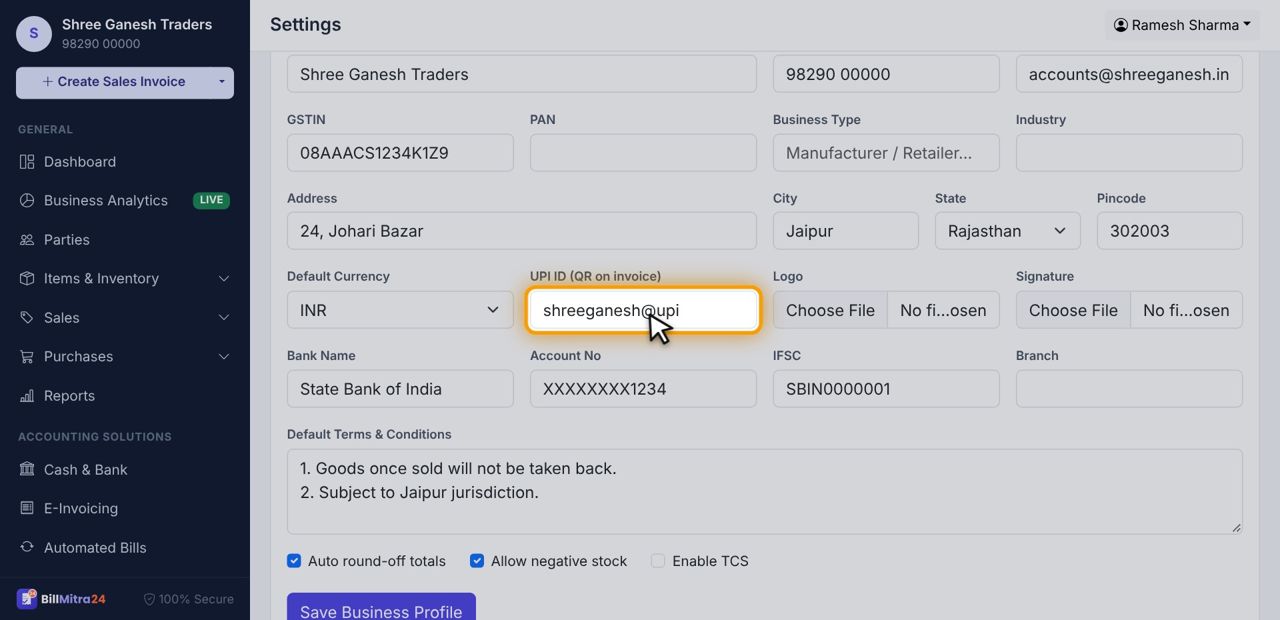
- Add your UPI ID and bank details. They are printed on every invoice, with a UPI QR code for the exact amount, so customers can pay quickly.
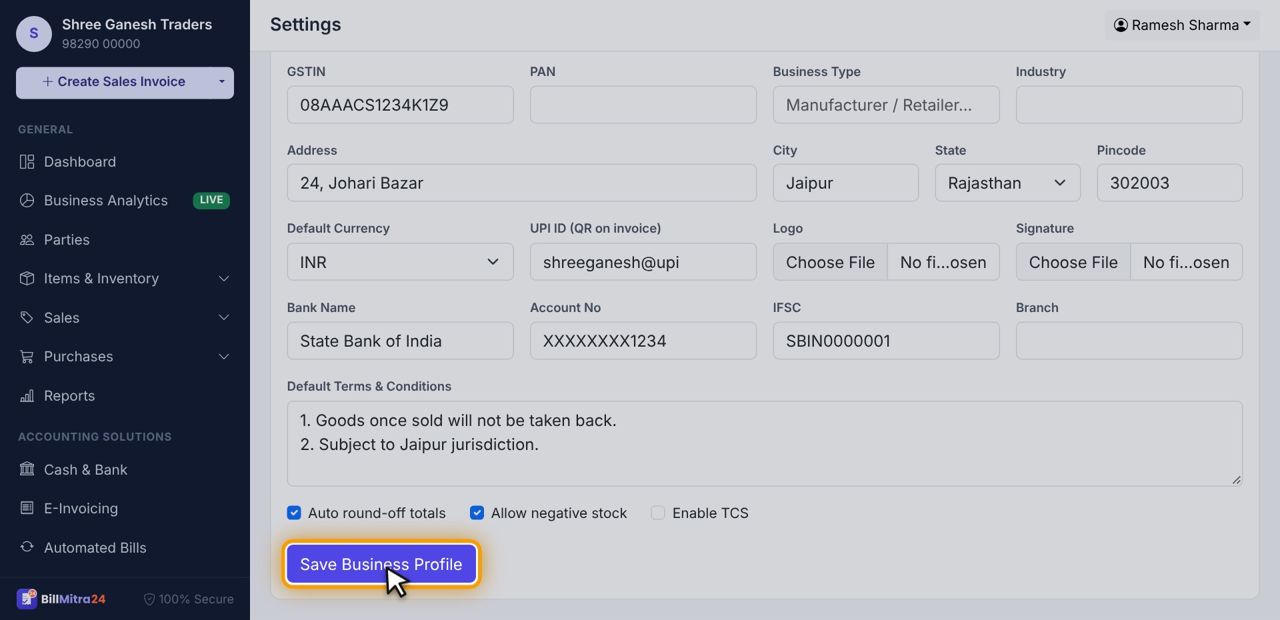
- Upload your logo and signature, write default terms and conditions, and click Save Business Profile.
- Invoice design
Open the Invoice Template tab. Choose one of six designs: Classic, Modern, GST Bordered, Minimal, Elegant or Thermal 80 millimetre, pick your brand colour and check the live preview.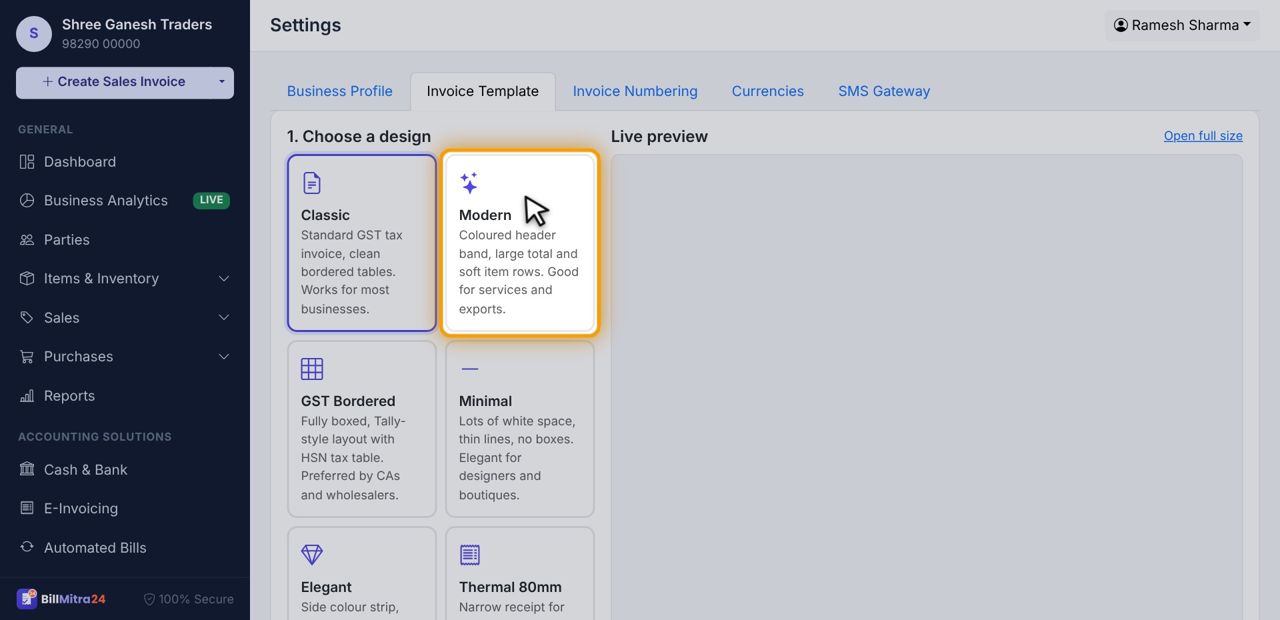
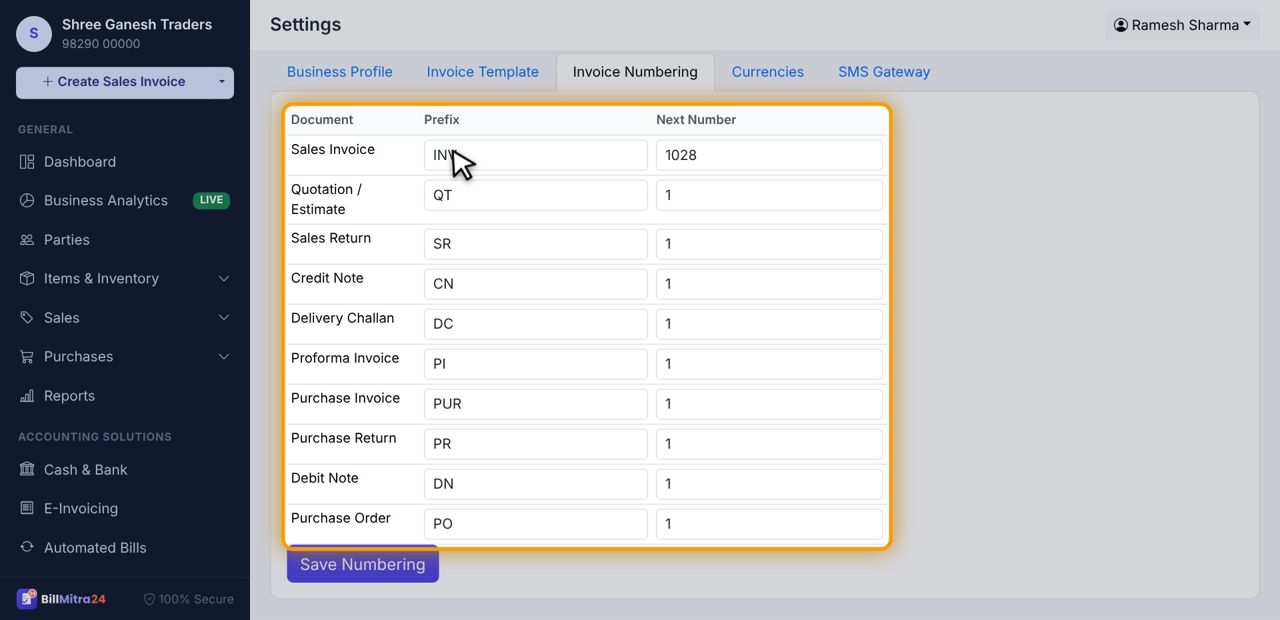
- In Invoice Numbering set the prefix and next number for every document type, for example INV for invoices.
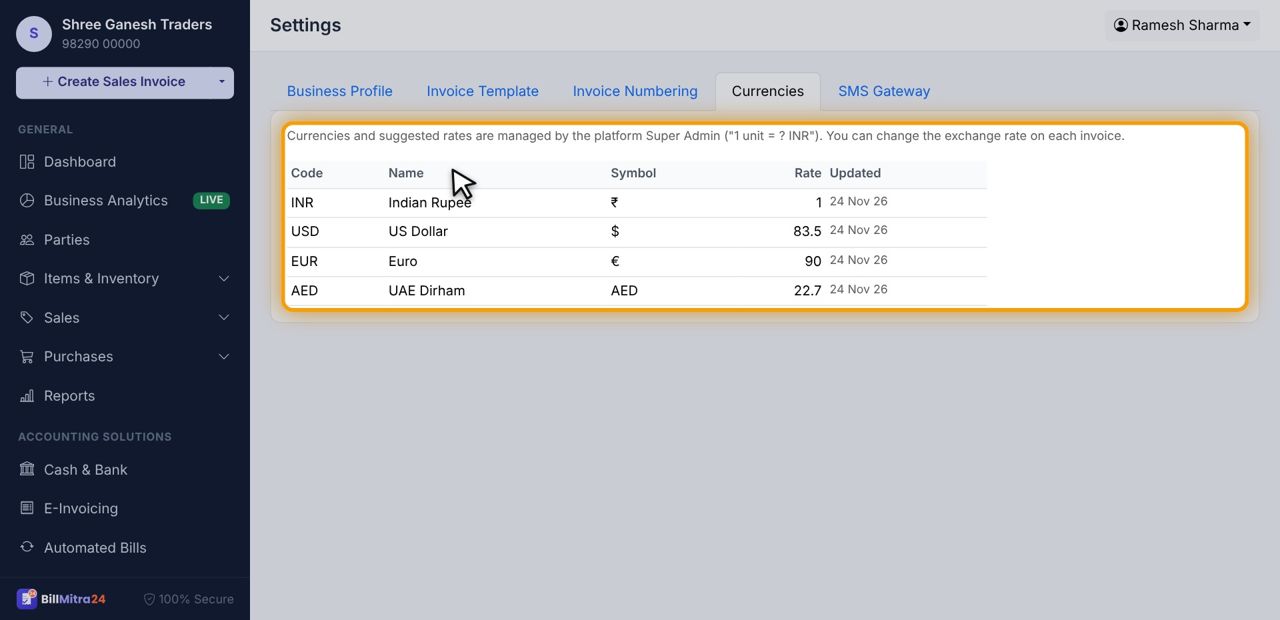
- In Currencies set exchange rates for export billing in dollars, euros or dirhams.
- Add users
To give access to your staff, open Users. Add a name, email, role and password. Roles are Admin, Manager, Accountant and Staff. The new user receives a login email.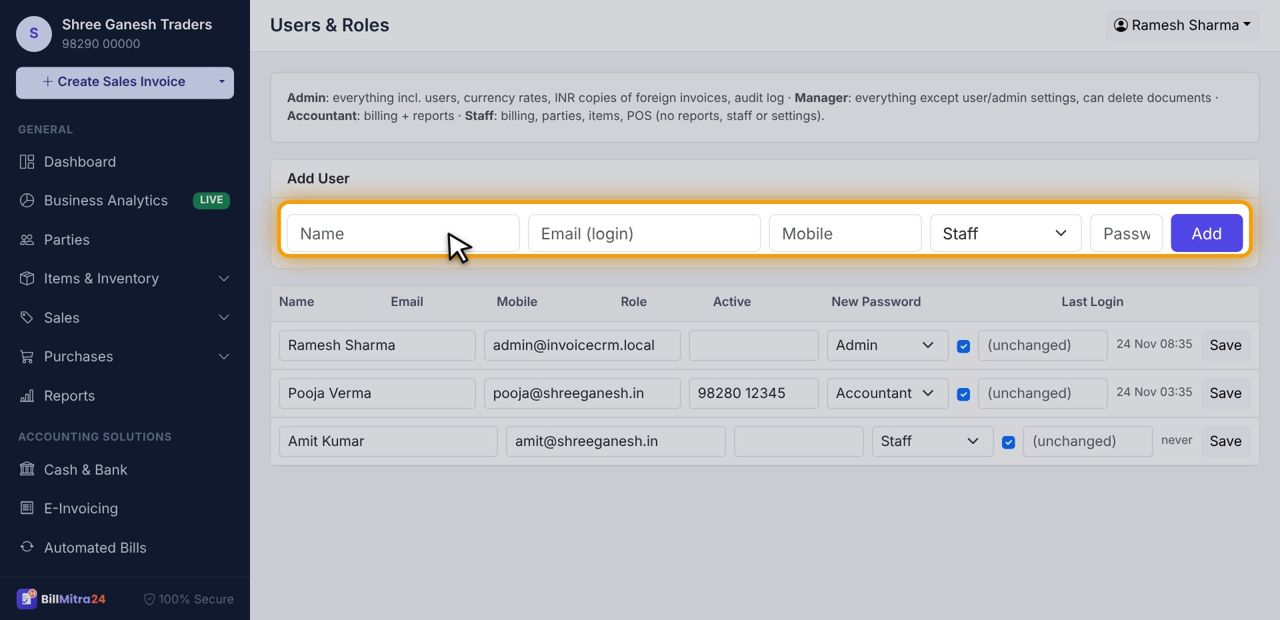
Tips
- Only Admin can change settings, users, plan and API keys.
- Any invoice can be printed in another design from its Print menu.